Plugins / Creative FX

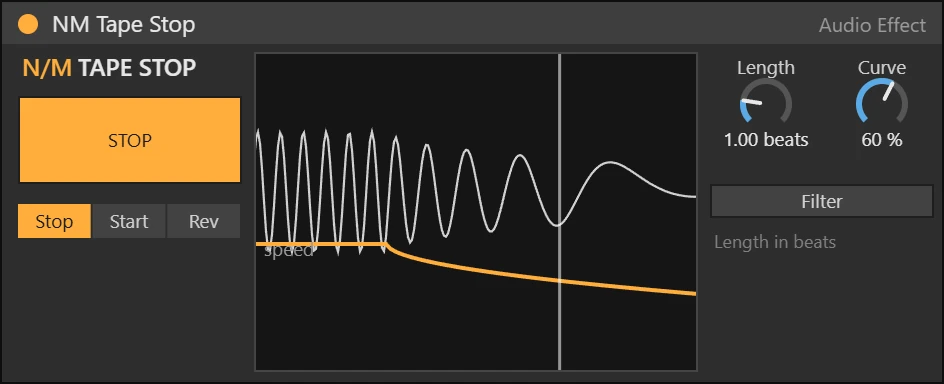
NM Tape Stop Max for Live device working on a track

Creative FX · Audio effect · Max for Live

NM Tape Stop

Tape stop, start and reverse

FreeFree download · Soon

The classic slowdown at the end of a phrase, a tape start into the drop, or a reverse spin. The STOP button can be automated.

Ableton Live 12 Suite, or Live 12 Standard with Max for Live. Windows and macOS.

How it works

Hit STOP (or automate it) and the track slows down like a tape machine. Start does the opposite into a drop, Rev spins it backwards. Length sets how many beats it takes and Curve how sudden it feels.

Features

  • Stop, Start, Rev modes
  • Length in beats, Curve
  • Optional filter
  • Automatable STOP
  • Native Ableton look, automatable controls
  • Defaults do nothing until you turn a control

Also in the bundle

All 20 devices for $79

NM Tape Stop is part of the NU MOTION Max for Live Bundle, together with 19 more devices.

See the bundle

More plugins

NM Filter Sweep Max for Live device

Creative FX · Audio effect

One-knob build-ups

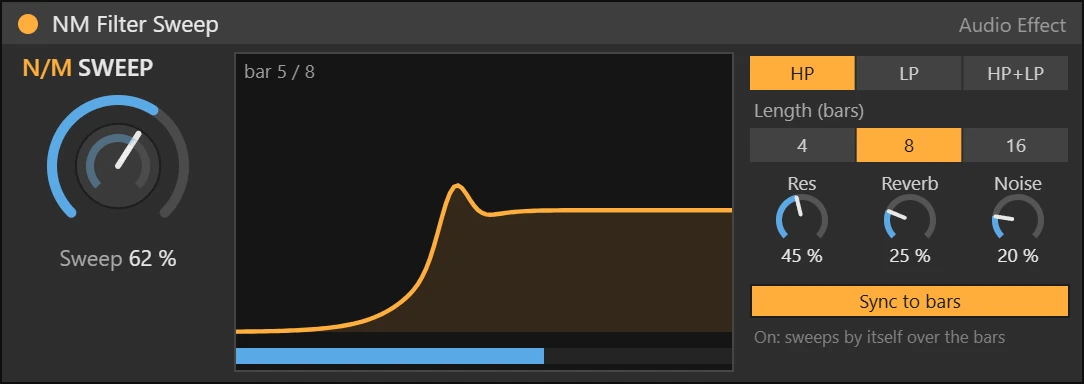
Filter, resonance, reverb and a noise riser on one big knob, or let it sweep by itself over 4, 8 or 16 bars. Instant build-ups and breakdowns.

  • HP, LP or both
  • Reverb and noise riser
  • Auto sweep over 4 / 8 / 16 bars
  • One knob to automate
NM Gater Max for Live device

Creative FX · Audio effect

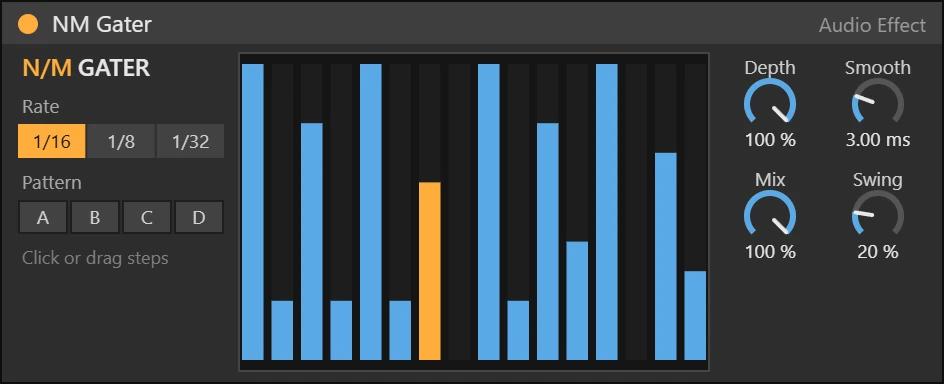
Draw a 16-step trance gate

Draw the gate pattern step by step, pick a rate and swing, and turn pads and vocals into rhythm.

  • 16 drawable steps
  • Presets A to D
  • Depth, Smooth, Swing, Mix
  • 1/16, 1/8, 1/32
NM Pump Max for Live device

Dynamics · Audio effect

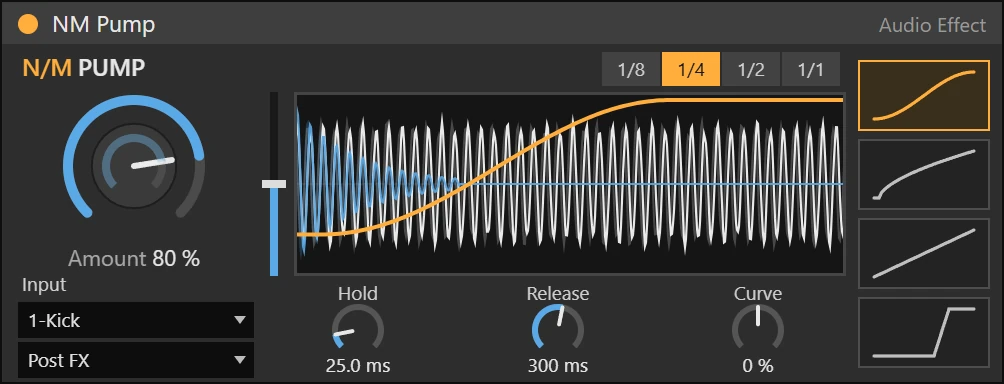
Sidechain ducking, synced or from your kick

Tempo-synced volume ducking with four curve shapes, or real ducking from the kick on any track. The display shows your track and the kick moving under one static curve, like Kickstart.

  • Big Amount knob, Hold, Release and Curve
  • 4 shapes: Smooth, Pump, Linear, Hard
  • Kick input: ducks on the real kick
  • Drag the curve to set Release