Plugins / Stereo and reference

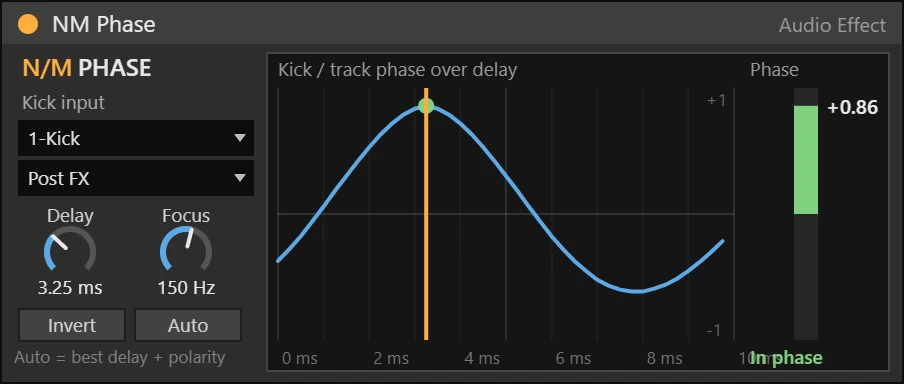
NM Phase Max for Live device working on a track

Stereo and reference · Audio effect · Max for Live

NM Phase

Line up the kick and the bass

$14Buy · Soon

Shows how your bass lines up with the kick over 0 to 10 ms and finds the best delay and polarity with one click. Fuller low end without guessing.

Ableton Live 12 Suite, or Live 12 Standard with Max for Live. Windows and macOS.

How it works

Put it on your bass and choose the kick on the Input menu. The display shows how well the two line up for every delay from 0 to 10 ms. Click Auto and NM Phase picks the delay and polarity where the low end is fullest, or drag the curve yourself. Focus sets how low it listens.

Features

  • Delay, Invert, Focus
  • Auto finds the best setting
  • Phase meter: in phase or cancels
  • Kick on the Input menu
  • Native Ableton look, automatable controls
  • Defaults do nothing until you turn a control

Also in the bundle

All 20 devices for $79

NM Phase is part of the NU MOTION Max for Live Bundle, together with 19 more devices.

See the bundle

More plugins

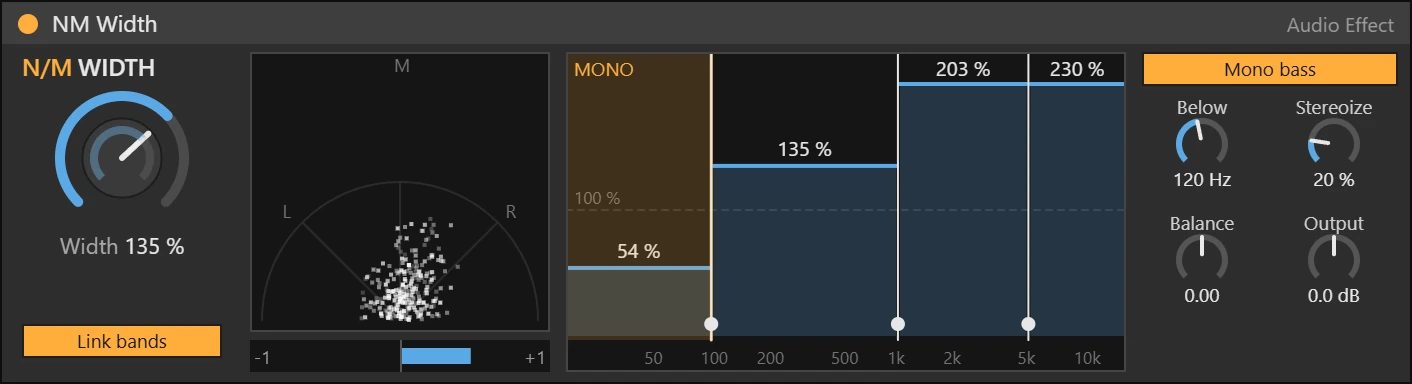
NM Width Max for Live device

Stereo and reference · Audio effect

4-band stereo imager

Set the width of four bands, keep the bass mono and add width to narrow sounds. A vectorscope and a correlation meter show if your mix still works in mono.

  • 4 bands with draggable crossovers
  • Mono bass below a frequency
  • Stereoize, Balance, Output
  • Vectorscope and correlation
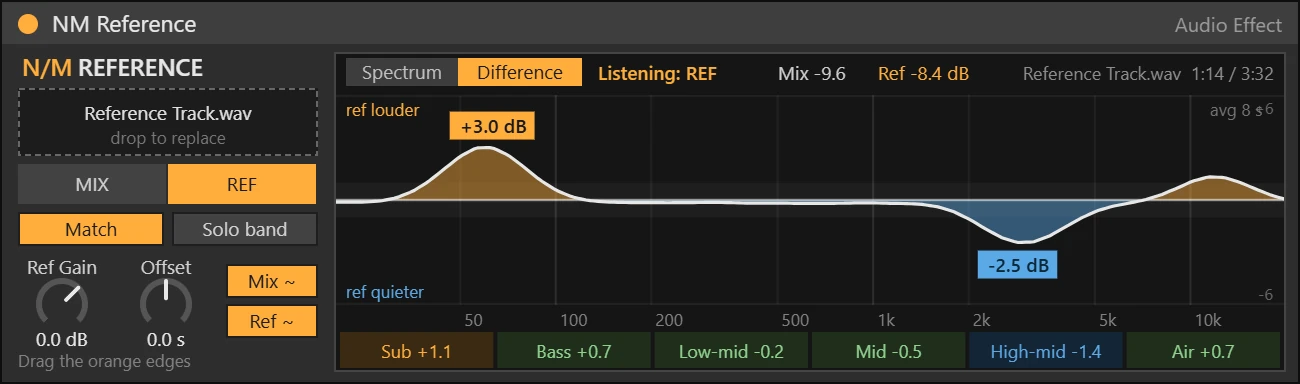
NM Reference Max for Live device

Stereo and reference · Audio effect

A/B your mix against a reference track

Drop a reference track and it plays in sync with your song. Match loudness, compare spectra, or switch to Difference to see where the reference is louder or quieter.

  • MIX / REF switch, Match loudness
  • Difference view with zone values
  • Solo band (24 dB) with drag edges
  • Synced to your song position
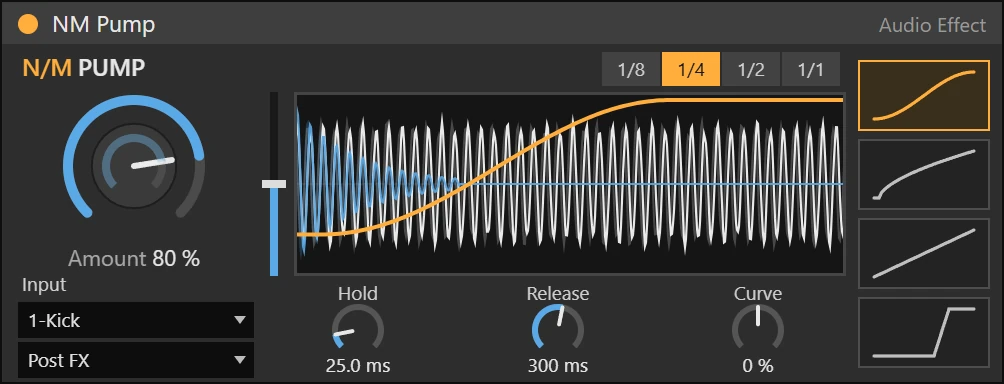
NM Pump Max for Live device

Dynamics · Audio effect

Sidechain ducking, synced or from your kick

Tempo-synced volume ducking with four curve shapes, or real ducking from the kick on any track. The display shows your track and the kick moving under one static curve, like Kickstart.

  • Big Amount knob, Hold, Release and Curve
  • 4 shapes: Smooth, Pump, Linear, Hard
  • Kick input: ducks on the real kick
  • Drag the curve to set Release