Plugins / Arrange and control

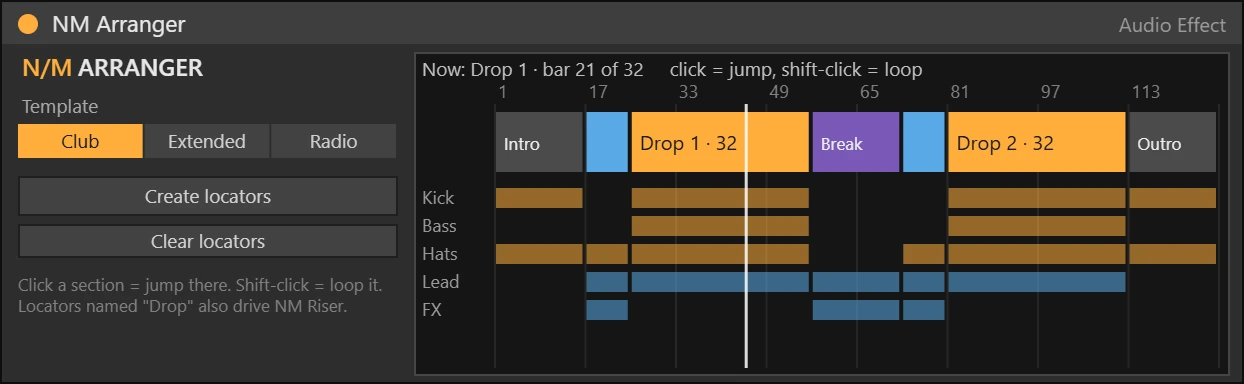
NM Arranger Max for Live device working on a track

Arrange and control · Audio effect · Max for Live

NM Arranger

Song structure guide

FreeFree download · Soon

Club, Extended and Radio templates over your bars: see which section you are in, jump or loop any section and create named locators in one click.

Ableton Live 12 Suite, or Live 12 Standard with Max for Live. Windows and macOS.

How it works

Choose a template and NM Arranger lays the song sections over your bars and shows which section is playing. Click a section to jump there, shift-click to loop it, and press Create locators to name every section in the Arrangement.

Features

  • Club, Extended, Radio templates
  • Now: section and bar
  • Click = jump, shift-click = loop
  • Create and clear locators
  • Native Ableton look, automatable controls
  • Defaults do nothing until you turn a control

Also in the bundle

All 33 devices for $99

NM Arranger is part of the NU MOTION Max for Live Bundle, together with 32 more devices.

See the bundle

More plugins

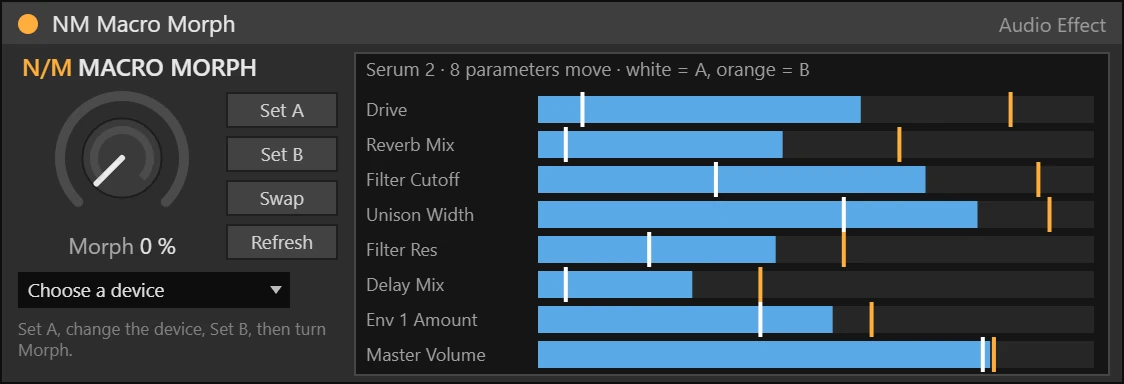
NM Macro Morph Max for Live device

Arrange and control · Audio effect

One knob from sound A to sound B

Pick any device on the track, store a snapshot A, change it, store B, then one big Morph knob moves every changed parameter from A to B. Perfect for builds and transitions.

  • Works with any device
  • Set A, Set B, Swap
  • Every changed parameter moves
  • Snapshots saved with the set
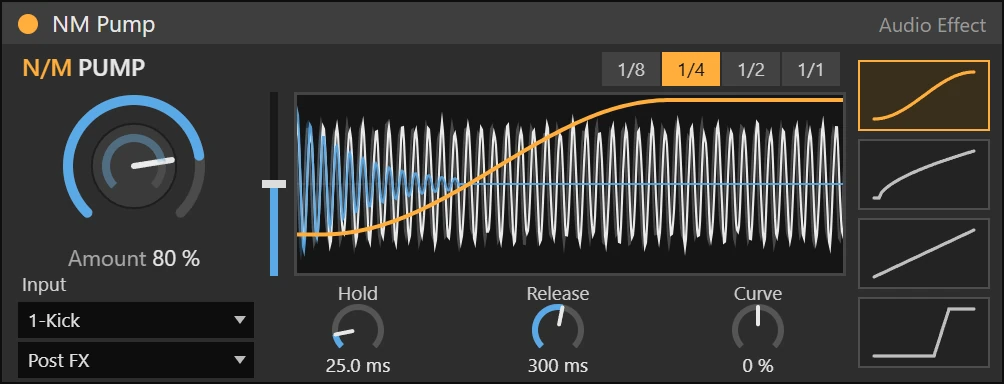
NM Pump Max for Live device

Dynamics · Audio effect

Sidechain ducking, synced or from your kick

Tempo-synced volume ducking with four curve shapes, or real ducking from the kick on any track. The display shows your track and the kick moving under one static curve, like Kickstart.

  • Big Amount knob, Hold, Release and Curve
  • 4 shapes: Smooth, Pump, Linear, Hard
  • Kick input: ducks on the real kick
  • Drag the curve to set Release
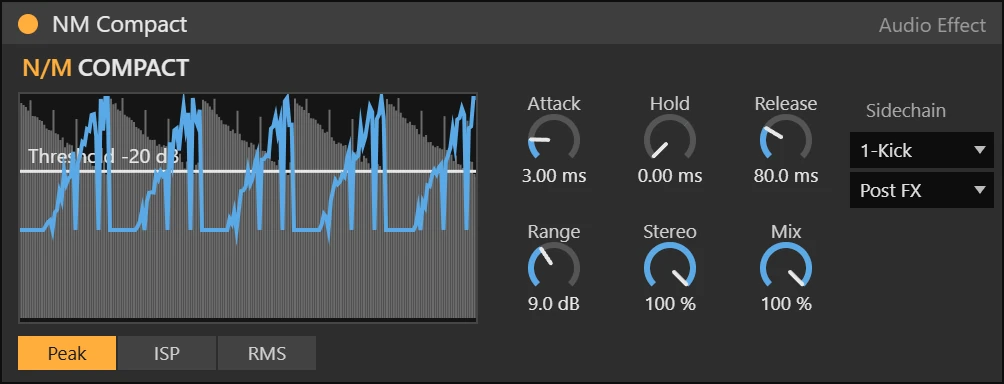
NM Compact Max for Live device

Dynamics · Audio effect

Clean compressor with a live picture

A punchy compressor that shows the level, the threshold and the gain reduction scrolling in real time. Drag the threshold line straight on the display.

  • Peak, ISP and RMS detection
  • Attack, Hold, Release, Range
  • Stereo link and Mix
  • External sidechain input